

Hidden Object Worlds
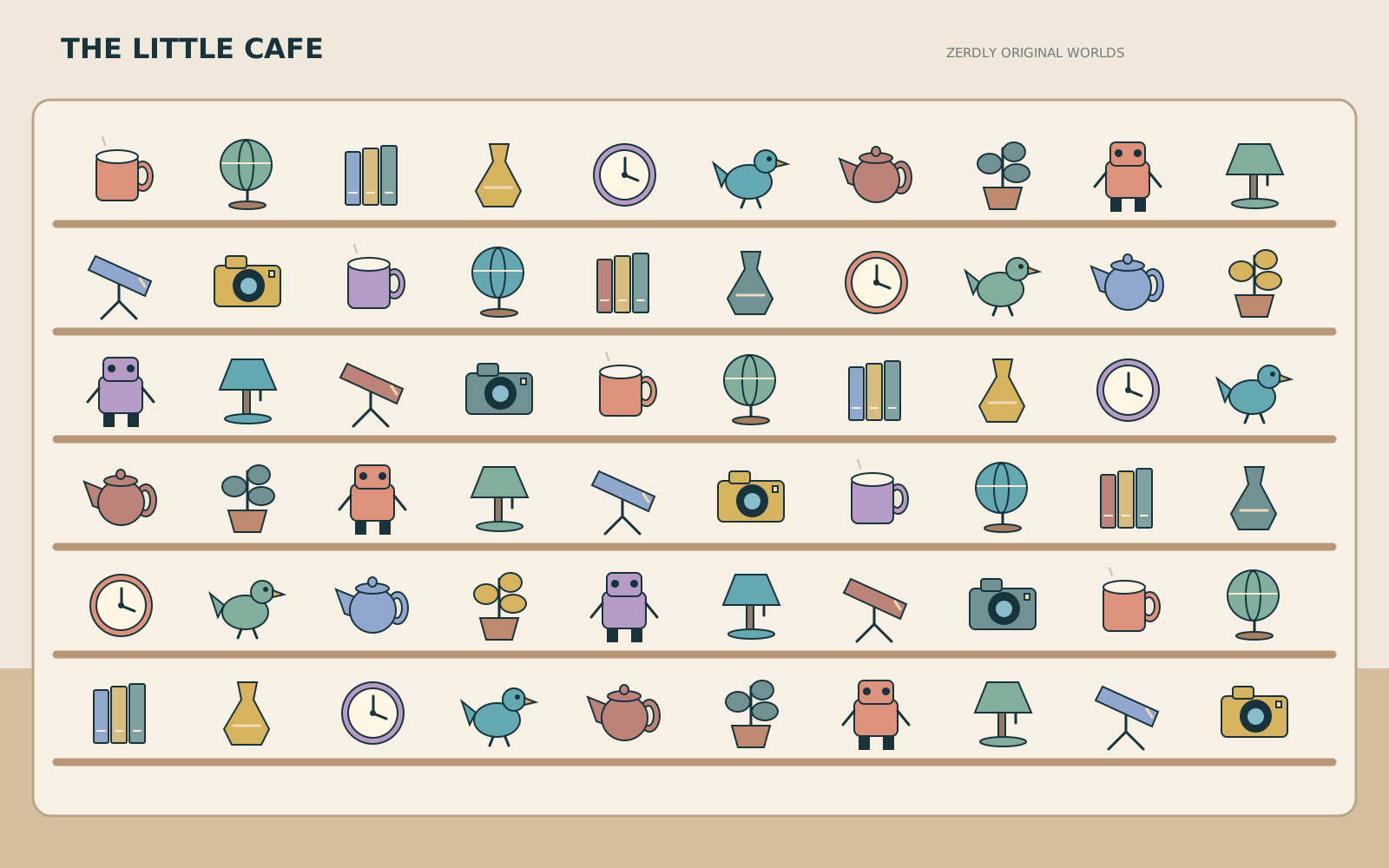
Sixty things on the shelves, twelve on your list. Find them all - at your own pace, or against the clock.
Cafe WorldSearch 11000
- Found
- 0 / 12
- Wrong taps
- 0
Find these 12 objects
About Hidden Object Worlds
Hidden Object Worlds has five original rooms, each with sixty objects arranged on shelves and tables. Every search draws twelve of them as your list, and the list is fixed once the search starts: it is never reshuffled under you, and the same search number always gives the same list.
Each name on the list is unique in its room. Where two objects share a type, the name adds its colour, and where that is not enough, the shelf it sits on - so you always know exactly what you are looking for. The small picture beside each name is cut from the scene itself.
How to play
- Choose Relaxed (no timer, no penalties) or Timed, and a world - or play today's search.
- Tap or click an object on your list. A found object is ticked in the scene and struck through in the list.
- Zoom with the buttons, the mouse wheel or two fingers, and drag to move around. Dragging never counts as a tap.
- Stuck? Choose an item and press Hint: the first hint outlines its zone, the second a smaller area, the third circles the object itself.
- Explore lists everything in the room and names whatever you tap, without scoring.
Controls
- Tap or click to choose; drag to pan; mouse wheel, pinch or the Zoom buttons to zoom; Reset view shows the whole room.
- Keyboard: focus the scene, then the arrow keys step from object to object, Enter chooses the outlined one, and + and - zoom.
- In Timed mode, Pause stops the clock and taps; Resume counts down three seconds first.
The rules
- Each search has twelve objects. Finding the same object twice does nothing.
- Relaxed mode has no timer and no penalties.
- Timed mode: +100 for each object, -10 for a tap that is not on your list (at most one every half second), -50 for each third-step hint that shows the object, and a bonus of 600 minus the seconds taken when you finish. The score never goes below zero.
- The timer only runs while the page is visible, the game is not paused and Explore is off.
Scoring, saving and limits
Unassisted bests are kept per world: the highest Timed score and the fastest Relaxed time. Any hint makes a run assisted, so it is shown but never becomes a best. Today's search picks a world and a list from the UTC date, and only your first finish of it counts as the day's result.
Your current search, what you have found, your hints, your view and your results are saved in this browser only, so a refresh carries on where you were. Download a backup to keep them; an imported backup is checked first and can be undone. A challenge link holds only the world, the search number and the mode.
This is a casual observation game. Scores are a record of play on this device, not a verified result, and there are no rankings.
Accessibility
Searching a picture depends on sight, so it cannot be made fully equivalent without it. Everything can be done from the keyboard by stepping through the objects, every target is named in words, Explore names any object, and hints narrow the search in three steps. Found objects are marked with a tick and an outline, not colour alone.
Questions
- I tapped the right object but nothing happened.
- A tap only counts if you did not drag; a movement of more than a few pixels is treated as panning. Try a shorter tap, or zoom in first.
- Two objects look the same. Which one is on my list?
- The name tells you: it adds the colour, and where needed the shelf. Only the named one counts; tapping its twin tells you what you tapped.
- Is today's search new art?
- No. It picks one of the five worlds and a list of twelve from the UTC date.